This is a Career Technical Education course designed to introduce you to the skills, applications, and thinking required in commercial art industries that utilize digital imaging.
In this class we use computers, digital cameras and other tools to take apart photographs to make new pictures. We'll remove people from photos, change backgrounds, duplicate objects, correct color, and make original illustrations.
 |
| URBAN JUNGLE - Source url: https://m2.behance.net/rendition/pm/335792/hd/1f15b9cad5bcfec300e06cbfa8d825c5.jpg |
CLASS POLICIES
(1) All of the LAUSD Acceptable Use Policies govern your use of the computers, software and other equipment in this classroom, AND YOUR FIRST ASSIGNMENT IS TO PRINT, READ, SIGN (AND HAVE YOUR PARENT SIGN), AND RETURN THIS FORM.
Click here for the LAUSD Acceptable Use Policy<< (http://achieve.lausd.net/aup) <<
Failure to comply with the Acceptable Use Policy means potentially causing damage our valuable computer equipment, misusing the Internet or campus network, or causing harm to another person (such as through Cyberbullying) and is discouraged through severe penalties, including suspended access to classroom computers and other equipment.
(2) All Crenshaw High School Campus Policies apply in this classroom. Therefore, although the use of personal technology, including cell phones, may sometimes be permitted for a specific lesson task, the general rule is keep your personal electronic devices put away during class time.
(3) My personal policies generally follow these guidelines:
- Allow me to teach.
Arrive at class on time. Excessive tardies will negatively impact your grade, and make it more difficult for you to complete assignments, since they are designed to take full advantage of the entire class period.
Watch & Listen during demonstrations. Most of the time there will be written and graphic materials that you can refer to while I am doing a demonstration, but please do not carry on a conversation during a demo. This is a time for you to see the steps (that might also be shown in a video), but you can ask questions to clarify parts and save time searching for other solutions.
- Be ready to learn.
The first thing every student must do upon entering my class is: sign the attendance sheet, and do the Warm Up activity.
Have your required materials, including access to your email and blog, ready to go & logged in when we start the class!
- Please support others in learning.
Reach out to help your peers. In the professional world, sharing your understanding of concepts and procedures with your colleague does two important things: 1.) It increases your comprehension of the thing you're trying to teach, and 2.) It helps the entire team of co-workers perform at a higher level - which means greater skills with less effort. Helping your peers is encouraged through "caught doing good" extra credit points from me.
REQUIRED MATERIALS
Materials to obtain for class include: 1.) a USB Flash Drive, with 8GB capacity or greater; 2.) a Drawing Journal; 3.) a Google Email Account (used exclusively for this class) - including a Gmail, Blogger & Blog, and a Google Drive; and 4.) a DropBox Account.
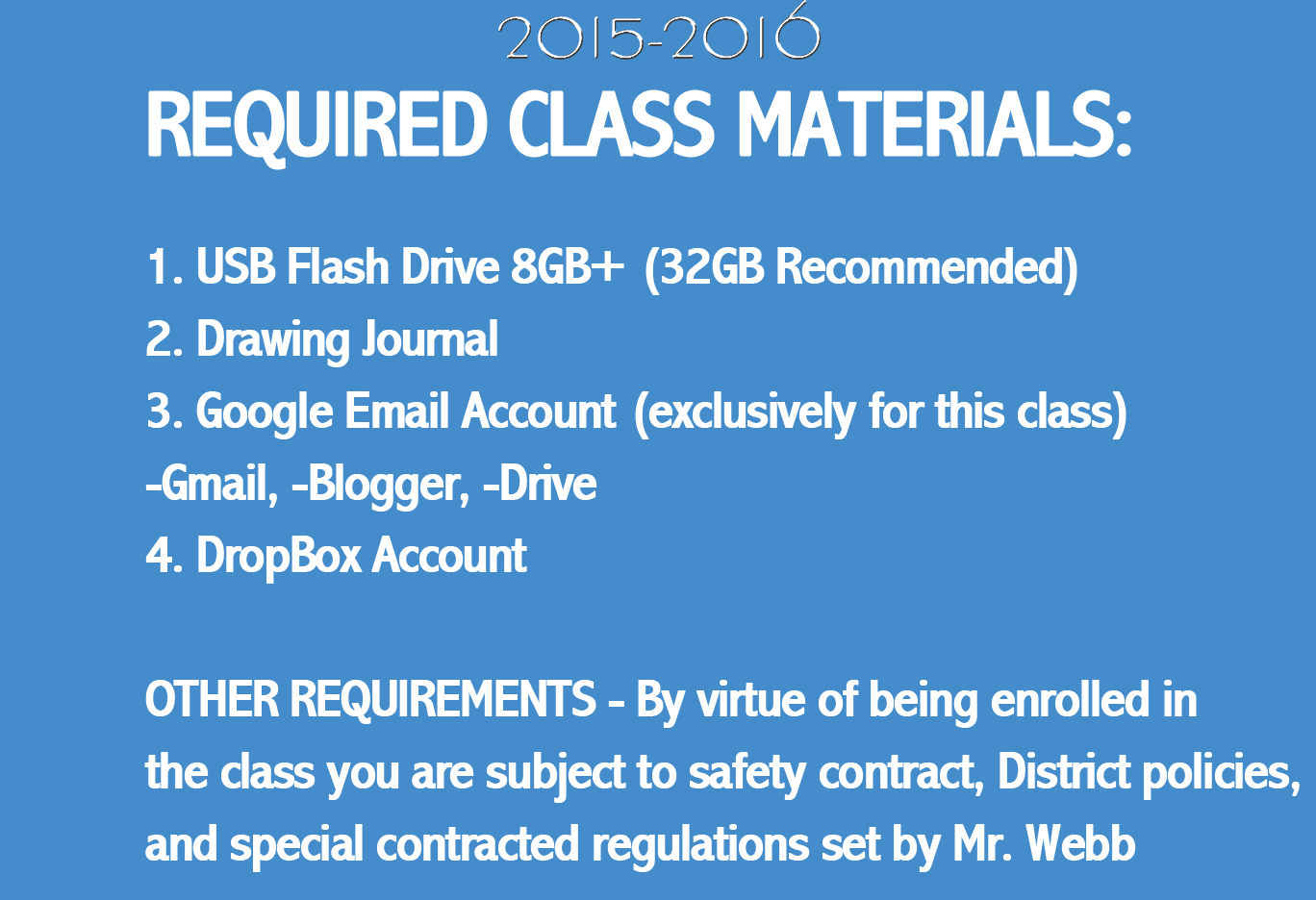 |
| Excerpt from the Opening Day Orientation slide show - also found at Crenshawhs.org |
Students are expected to use their drawing journal every day to take notes and complete drawing practice tasks.
A Google Account is absolutely essential, since you regularly have to submit paperless work by email, and post samples of your finished assignments onto a portfolio blog.
Computers in the Media Lab are considered public spaces, so to keep your files from being deleted or taken, you should save them to your own flash drive, or email account.
SYLLABUS
The Syllabus contains the teacher contact information, and grading scale. Please read and be familiar with this document.
 |
| Digital Imaging Syllabus |
I look forward to a successful and productive year introducing you to Digital Imaging!

No comments:
Post a Comment